
How to Stop Your Kids’ TikTok Scrolling From Freezing Your Netflix Stream
If your Netflix stream freezes while others use TikTok, the issue is likely home network congestion or WiFi interference rather than insufficient fibre speed. Before upgrading your internet plan, try connecting your TV via an Ethernet cable to ensure a more stable connection. You should also check for background activities like large downloads or cloud backups that consume significant bandwidth. If your router supports Quality of Service or device priority settings, prioritize your streaming device to prevent other apps from hogging resources. Additionally, optimize your WiFi performance by placing the router in a central, open location or using a mesh system to cover dead zones. Only consider upgrading your broadband plan if you have confirmed that your current speed is genuinely unable to support your total number of connected devices.
Why Does TikTok Make Netflix Freeze?
If your Netflix stream freezes whenever the kids start scrolling TikTok, don’t upgrade your fibre plan immediately.
The problem may be home network congestion, WiFi interference or router limitations, rather than your subscribed fibre speed.
Modern Malaysian homes can have many devices connected at once, and Maxis notes that multiple devices and high-bandwidth activities can affect the home internet experience. (Maxis)
Try These Fixes First
1. Connect the TV by LAN
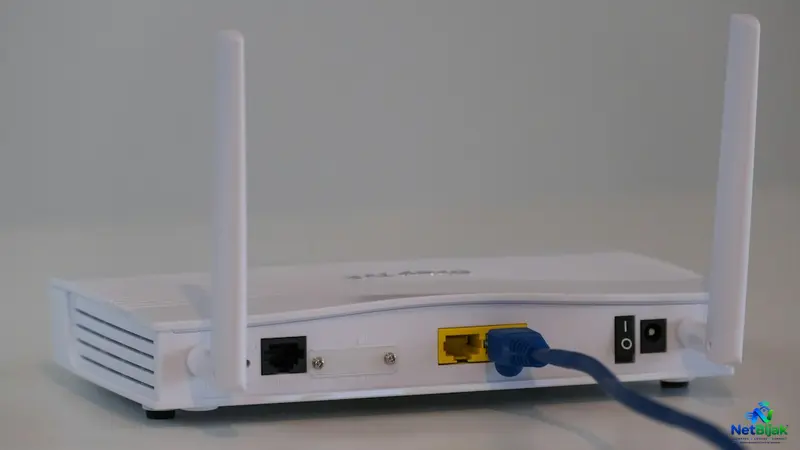
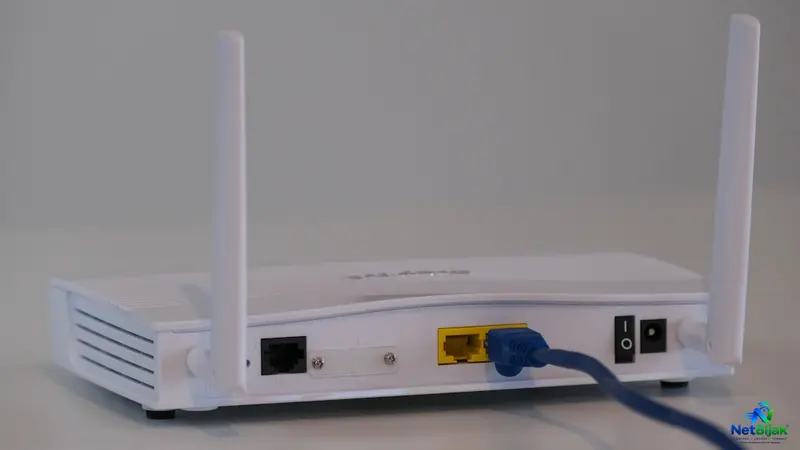
If your TV or streaming box is close enough to the router, use an Ethernet cable.
A wired connection avoids many of the interference and distance problems that can affect WiFi. Maxis specifically recommends wired connections for devices that need consistent performance, such as streaming devices and gaming consoles. (Maxis)
2. Check What Is Using Your Network
When Netflix starts buffering, look at the devices connected to your router.
Common sources of heavy traffic include:
- TikTok, YouTube and other video apps
- Cloud photo backups
- Large game downloads
- Windows or phone updates
- Multiple video streams
- CCTV cameras uploading footage
The issue may be a temporary traffic spike rather than insufficient fibre speed.
3. Use QoS or Device Priority
If your router supports QoS, Device Priority or similar traffic-management features, give the TV or streaming device higher priority.
This can help prevent other devices from consuming all available network resources during busy periods.
However, router features differ between models. Don’t assume every Unifi, Maxis or TIME router provides the same controls.
4. Fix the WiFi Before Blaming the Fibre
A fast fibre connection can still perform badly over WiFi.
Maxis lists several factors that can reduce actual WiFi performance, including router placement, the number of connected devices, thick walls and interference from nearby wireless networks. (Maxis)
Try:
- Moving the router to a central, open location
- Keeping it away from thick walls and electronic interference
- Using 5GHz/6GHz WiFi where supported
- Adding a properly positioned mesh system for larger homes
- Using LAN for fixed devices such as TVs
5. When Should You Upgrade Your Fibre?
Only consider upgrading when your connection is genuinely becoming a bottleneck.
For example, Maxis currently positions its plans according to household usage, with its 100Mbps plan aimed at 2–3 devices, 300Mbps at 4–5 devices, 500Mbps at 6–8 devices, and 1Gbps at 8–10 connected devices. (Maxis)
These are provider recommendations, not technical limits.
If your 100Mbps connection works normally when the TV is wired but becomes unstable only in one room over WiFi, paying for 500Mbps may not solve the real problem.
A Simple Test Before Spending More
When Netflix starts freezing:
Step 1: Check the speed on a device connected by LAN.
Step 2: Test the same connection over WiFi.
Step 3: Temporarily pause TikTok, downloads and cloud backups.
Step 4: Check whether Netflix becomes stable.
If the problem disappears, your fibre line may not be the main issue.
NetBijak Tips
Don’t confuse a faster fibre plan with a better home network.
Before upgrading from 100Mbps to 300Mbps or 500Mbps, check your WiFi coverage, router performance and simultaneous network usage first. You may be able to fix the Netflix problem without paying for a more expensive plan.
Frequently Asked Questions
It can contribute to congestion when many devices are using the same home connection at the same time. However, buffering can also come from WiFi interference, router limitations or other network problems.
Not necessarily. The number of devices matters, but what they are doing matters too. A phone scrolling TikTok, a TV streaming video and another device downloading a large game create a different load from several phones doing light browsing.
Yes, if your existing router or WiFi coverage is the bottleneck. Maxis notes that router placement, connected-device count, walls and wireless interference can all affect actual WiFi performance.
If practical, yes. A wired connection is generally more consistent because it avoids many of the interference and signal-distance issues associated with WiFi.
Test the connection when the problem happens, preferably using LAN. If the wired connection is also consistently slow while several devices are heavily using the network, upgrading may help. If LAN is fast but WiFi is poor, fix the WiFi or router first.
Related Articles
 Article
Two terrace houses next to each other, one occupied by parents and the other by relatives. Instead o...
 Article
A cheap smart plug or IP camera does not need access to your laptop, NAS or home printer. Putting le...
 Article
If your smart home has 50 or more connected devices, upgrading to 1Gbps is not automatically the sol...
 Article
TP-Link has introduced Wi-Fi 8 in Malaysia, but the important part is not the headline speed.At its ...
 News
NewsMore than 5,000 people gathering inside one venue can expose a networking problem that a normal home...
 Article
If you already have 1Gbps or 2Gbps Fibre, WiFi 7 can help remove the wireless bottleneck — but upgra...